Welcome to Password Security, This page should tell you how to remember passwords well, have a trusted password manager & etc.
Methods of Password Security
1. Password Managers

Some services keep your password, if it's complex or random. Google for example offers a password keeper, Personally this is one of the most easiest to keep. The only thing you need to watch out is to Remember the Google Account Password itself.
we actually have a password manager listed here:
Cybersecurity Apps
2. Personal Stuff in Passwords
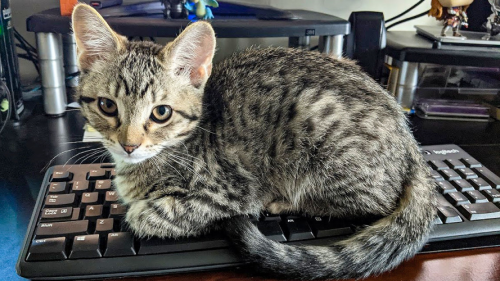
Since we want to make sure no one guesses our password, You can try adding your Pet's Name, Favorite Food, Favorite Number, etc. to your Password, It will be hard to guess for Hackers
3. Symbols in Password
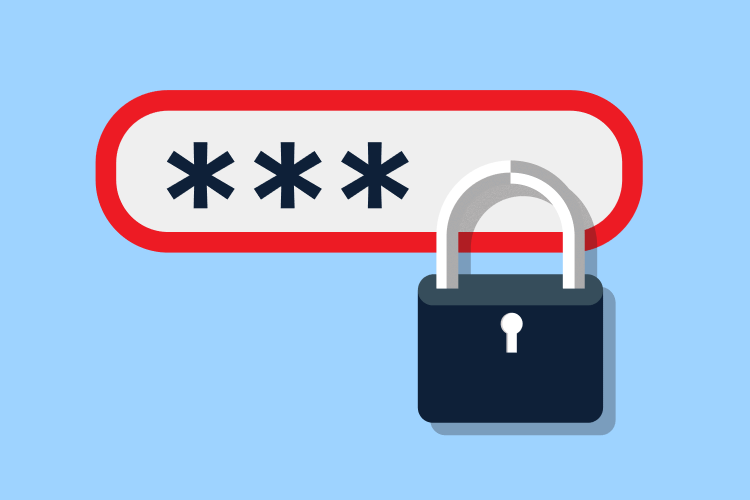
When you are making a password, you can also add some symbols to it that are accessible to the keyboard. don't use any unicode that can't be typed on a regular keyboard or it can be difficult to get to that point. add a few symbols like "@" or "!", etc.
4. Completely Random Password
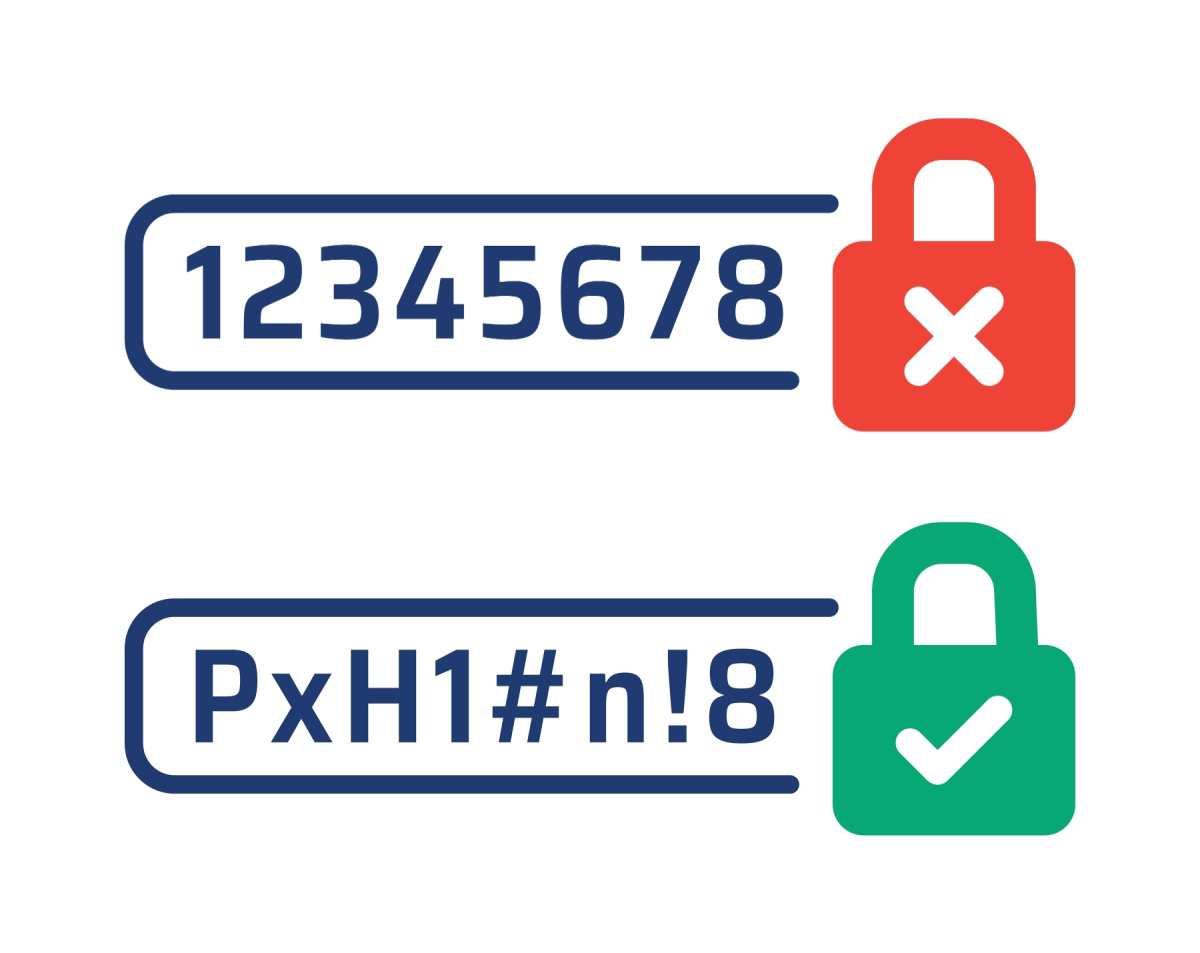
If you use a Password Manager, you can generate a completely random password, you can just search it up on google & you should see some examples. They can generate passwords like: "@()$U*", etc. but this time in this website we offer a password generator for free!
Click the Button below to generate!
You can try LastPass's Password Generator if you don't want to use ours.
LastPass Password Generator
5. Password Length
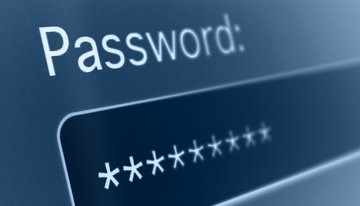
The length of the Password also matters, Your Password needs to at least 8 characters long & If you want to make it longer, you can add more symbols, numbers, letters, etc.